Finding your computer's name or number
Last updated: Jun 04, 2026
62
views

If IT requests that you provide a computer name or number for remote access, here is how to find it:
Bay computer sticker
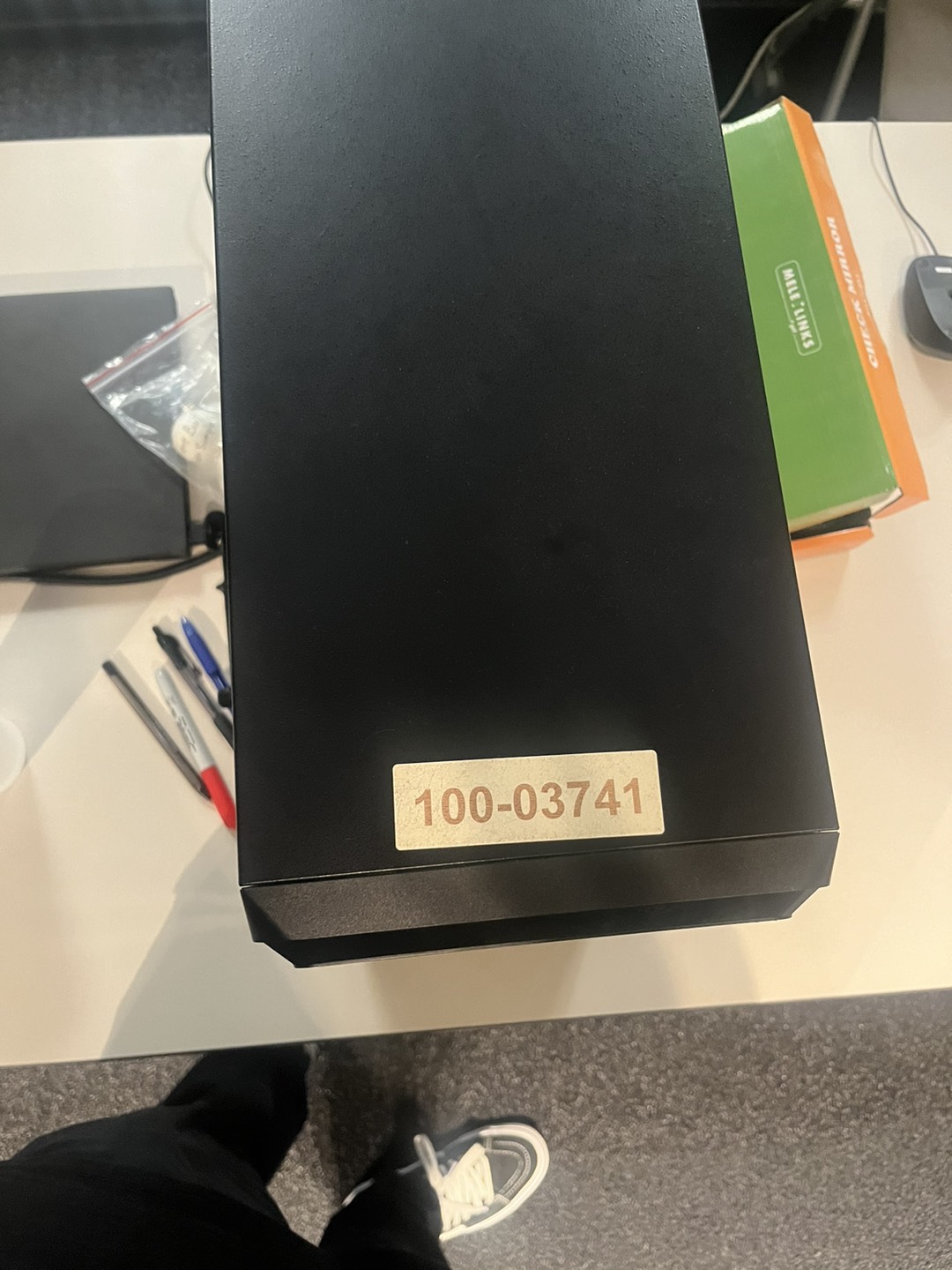
You can find the computer number on a sticker on your bay computer. If no sticker is present, move on to the next part of this article.
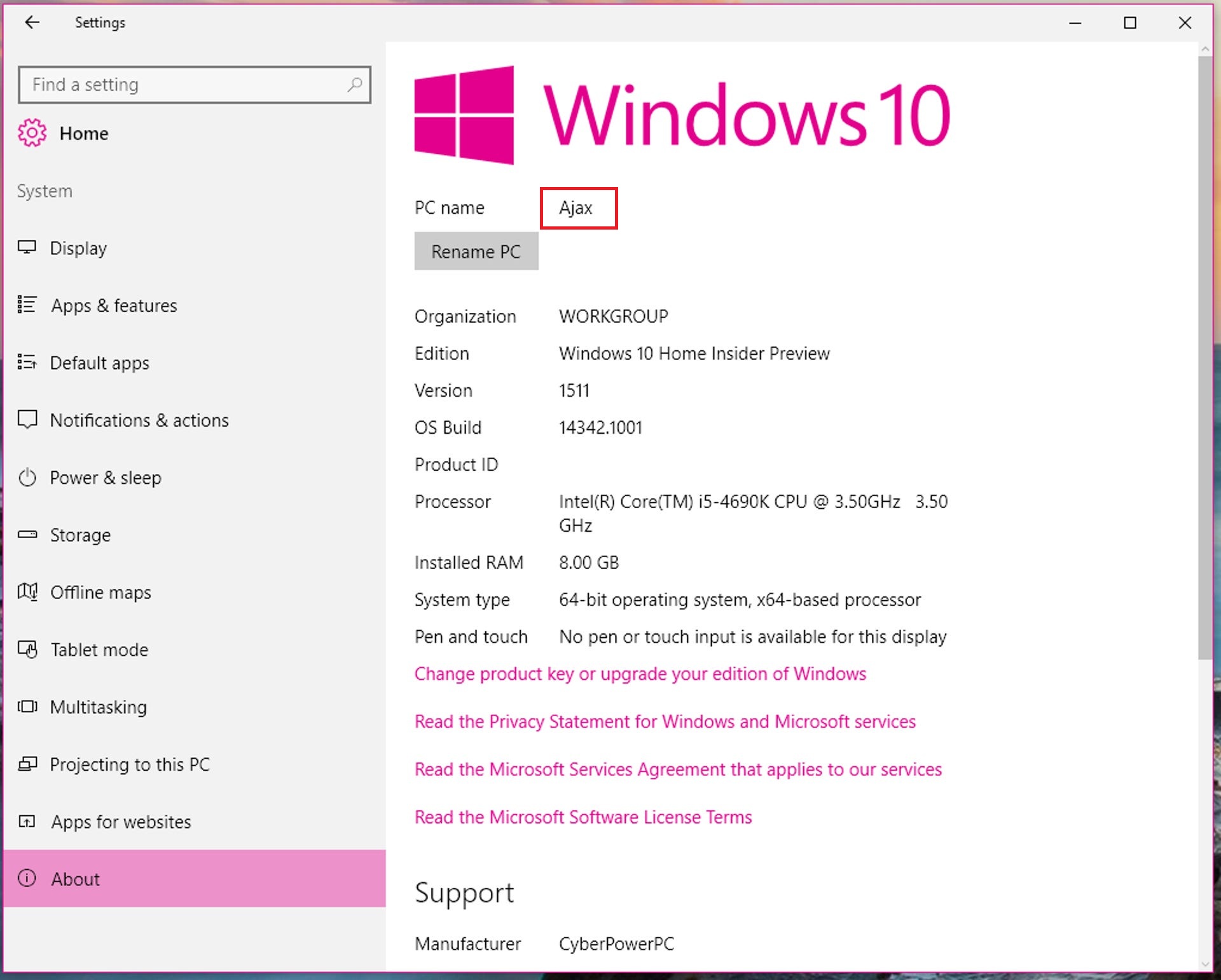
Windows Settings
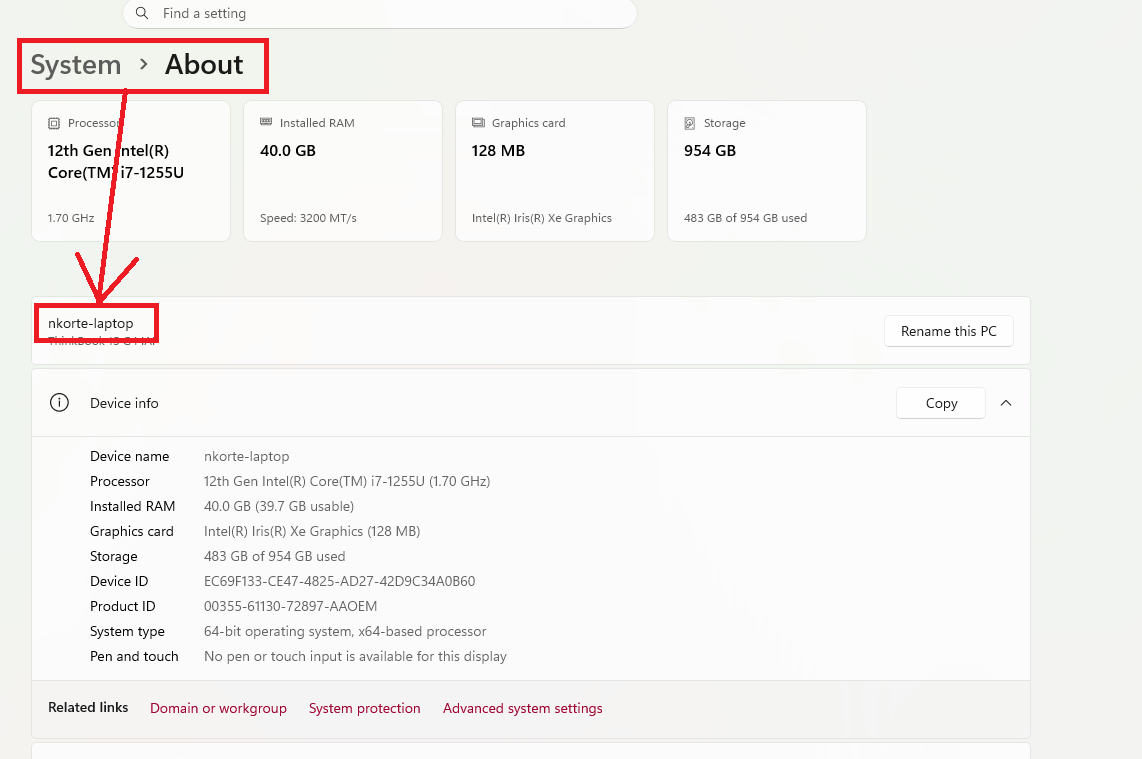
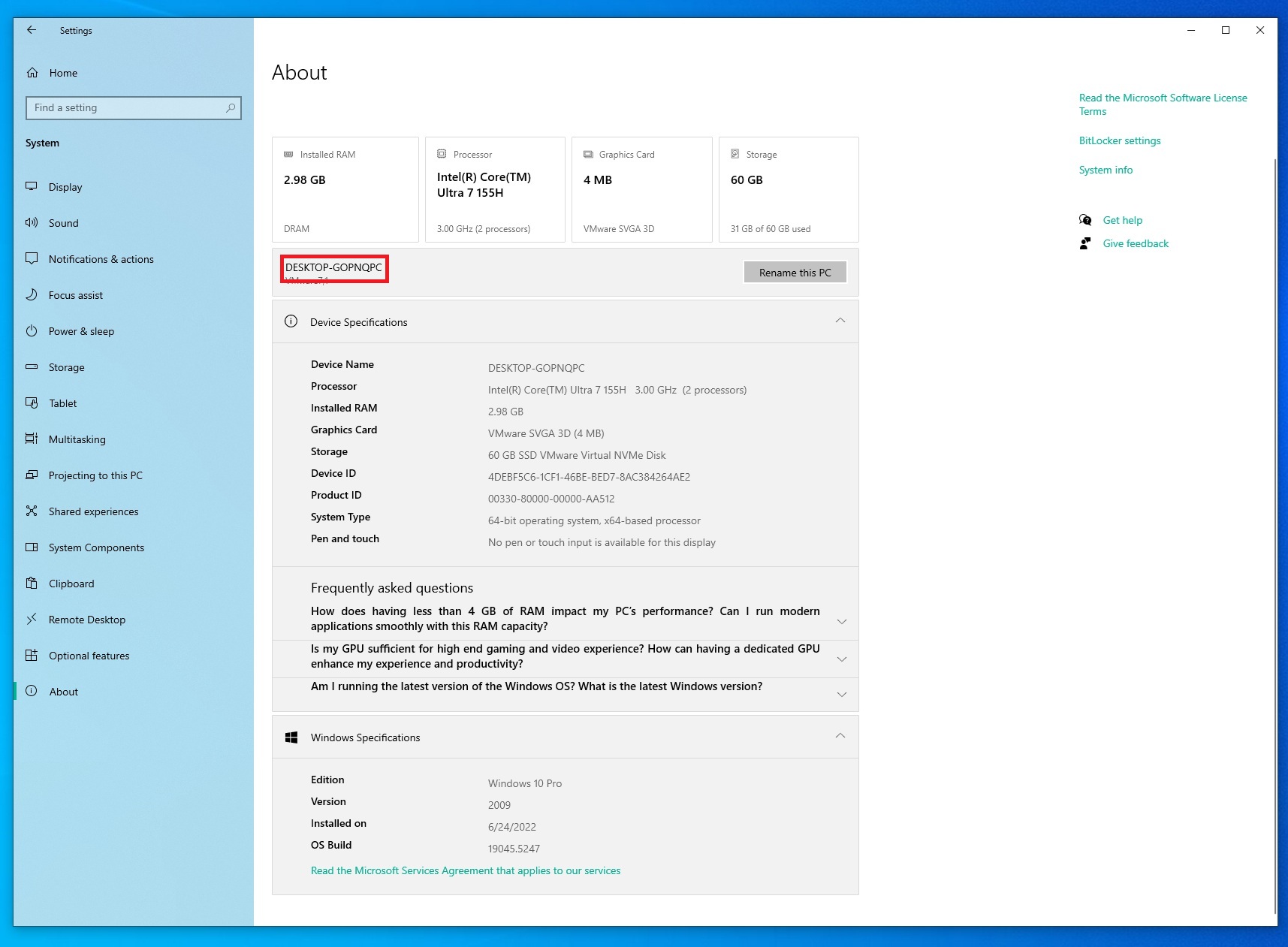
Open the Windows settings by hitting windows_key+i on the keyboard or find it by searching in the start menu. Then go to System->About and find the section called 'Rename your PC'
Macbook
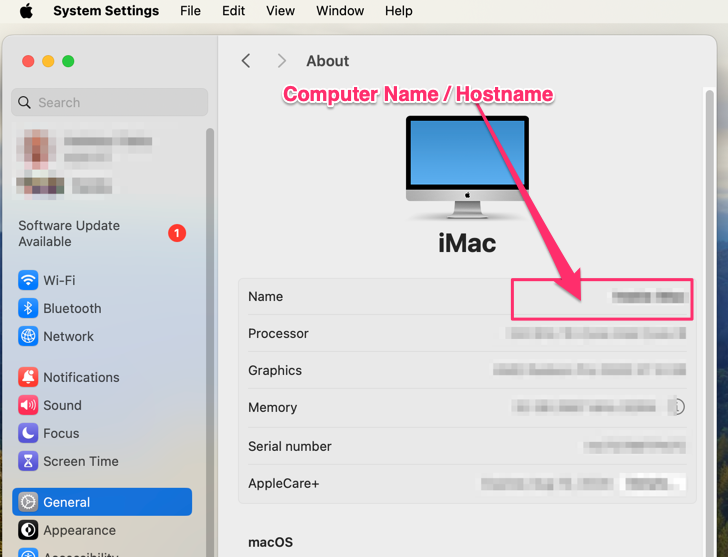
For macs, open your System Preferences, go to General->About, and it will be listed under 'Name'