

O365 - Android email Outlook App Setup
Last updated: May 21, 2026
471
views

1. Go to the Google Play Store on your Android device, search for "Outlook," and install the Microsoft Outlook app.
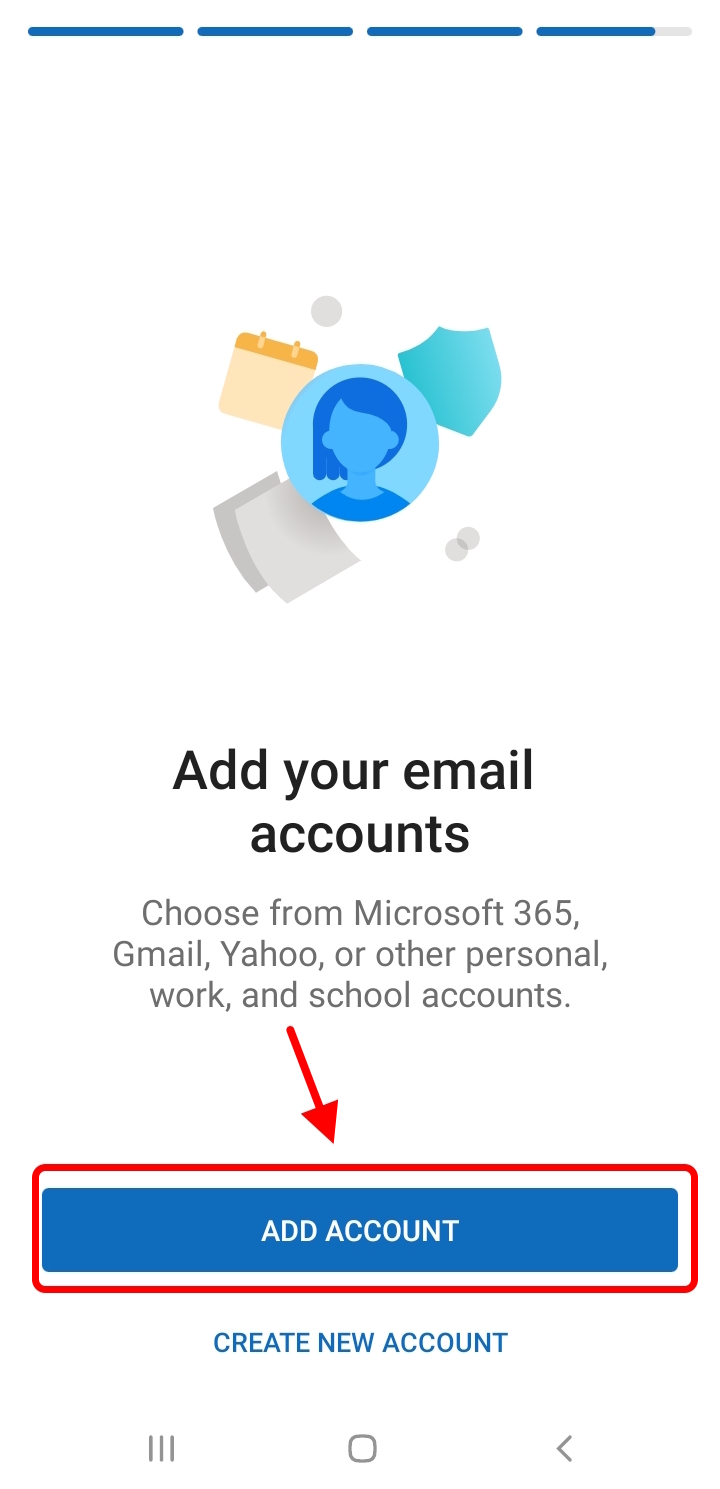
2. Open the Outlook app and tap "Add Account"
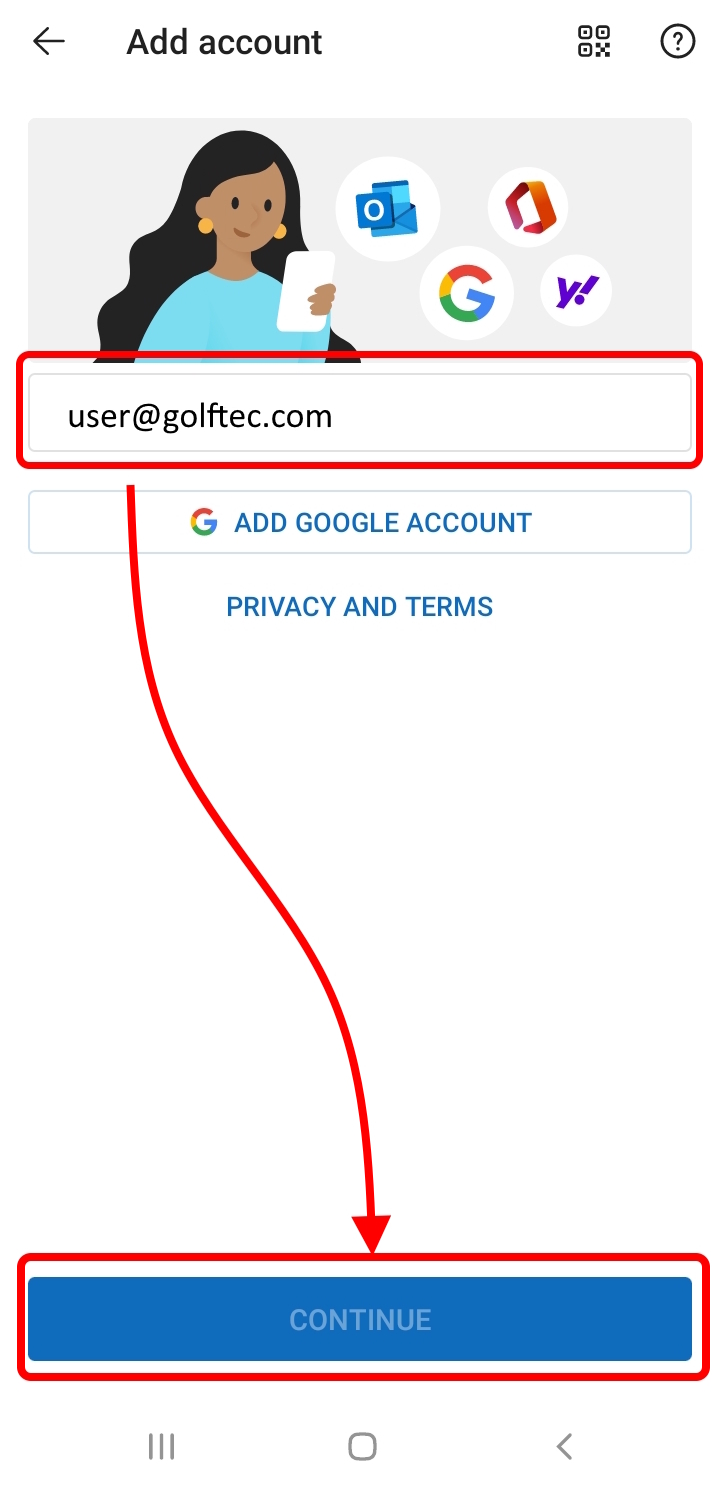
3. Enter your GOLFTEC email address and tap "Continue"
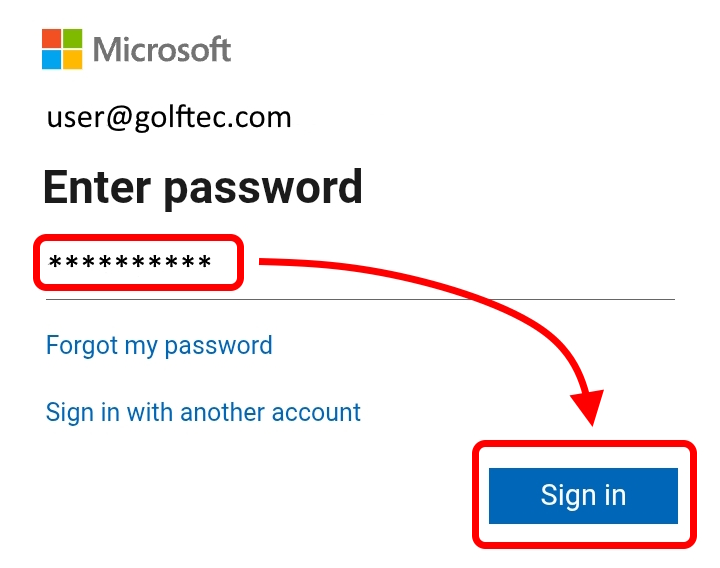
4. Enter the password for your email account and tap "Sign in". (If multi-factor authentication is enabled, follow the instructions to verify your identity (e.g., by entering a one-time code).
4. After you sign in, you may be asked if you want to add another account. You can tap Maybe Later or Skip to proceed to your inbox.

