


Click on this link to download driver genius:
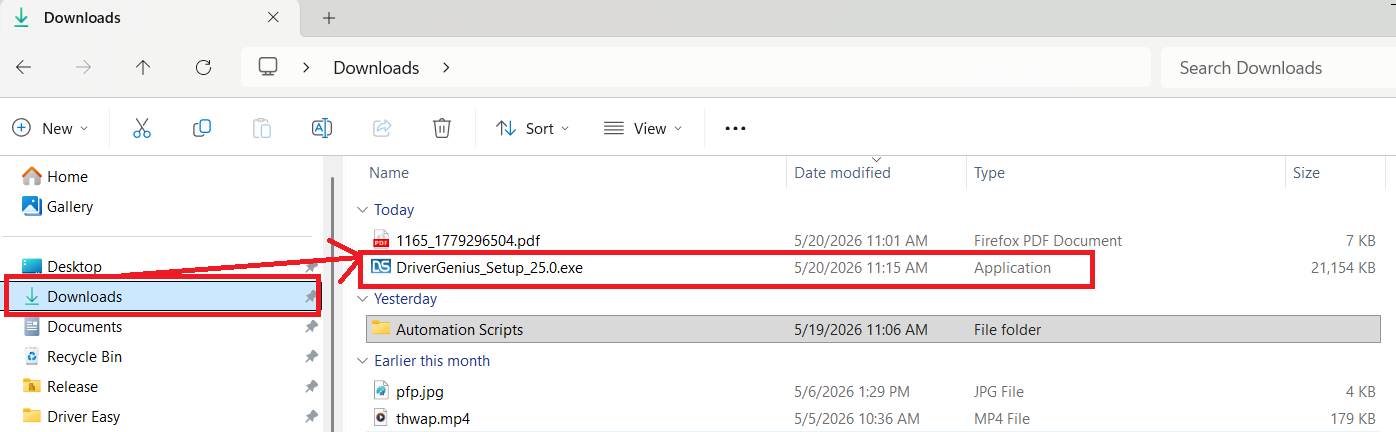
Once downloaded, run the installer from your downloads folder:
Click 'OK' for English, then click through all of the agreements and everything, all the defaults are fine. Then click 'finish'.
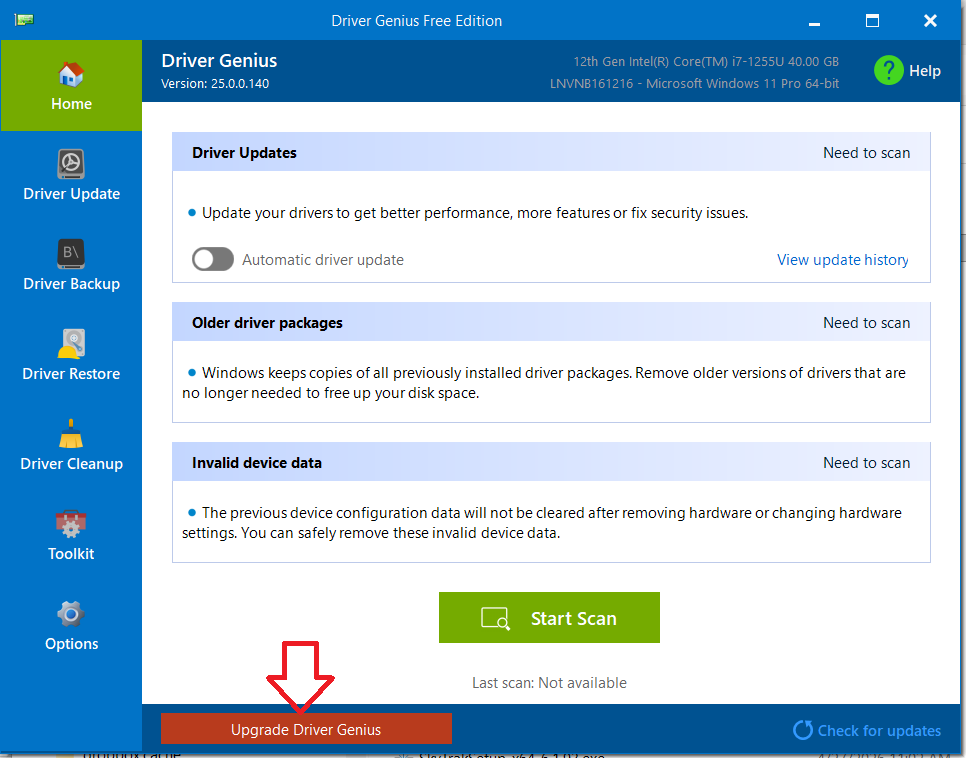
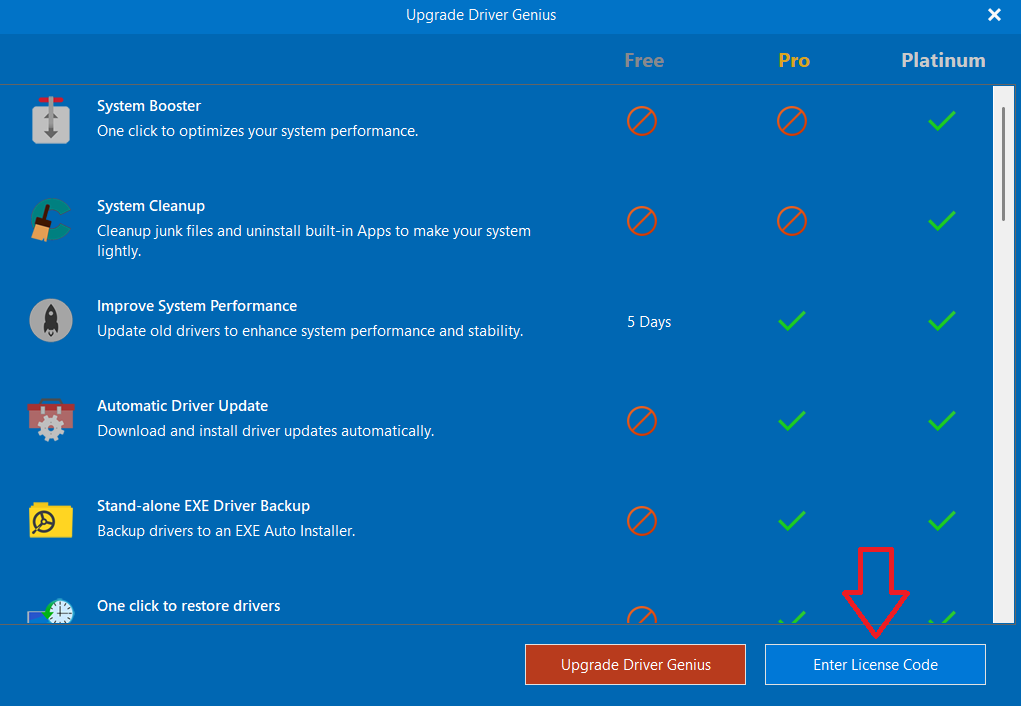
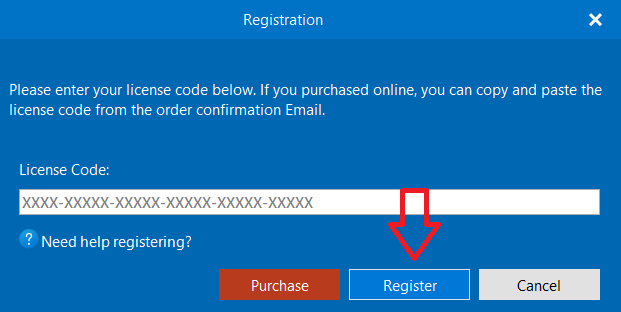
Then paste the license code PVAF-X3VFP-WYYFB-7PUMA-GUN62-MLPFY and click register.
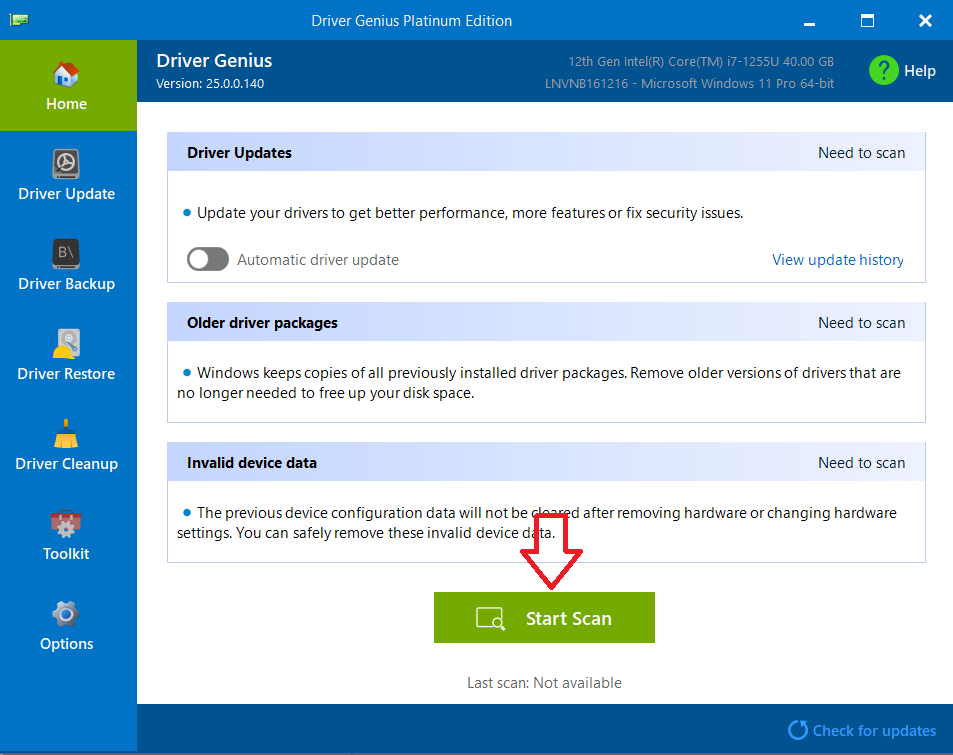
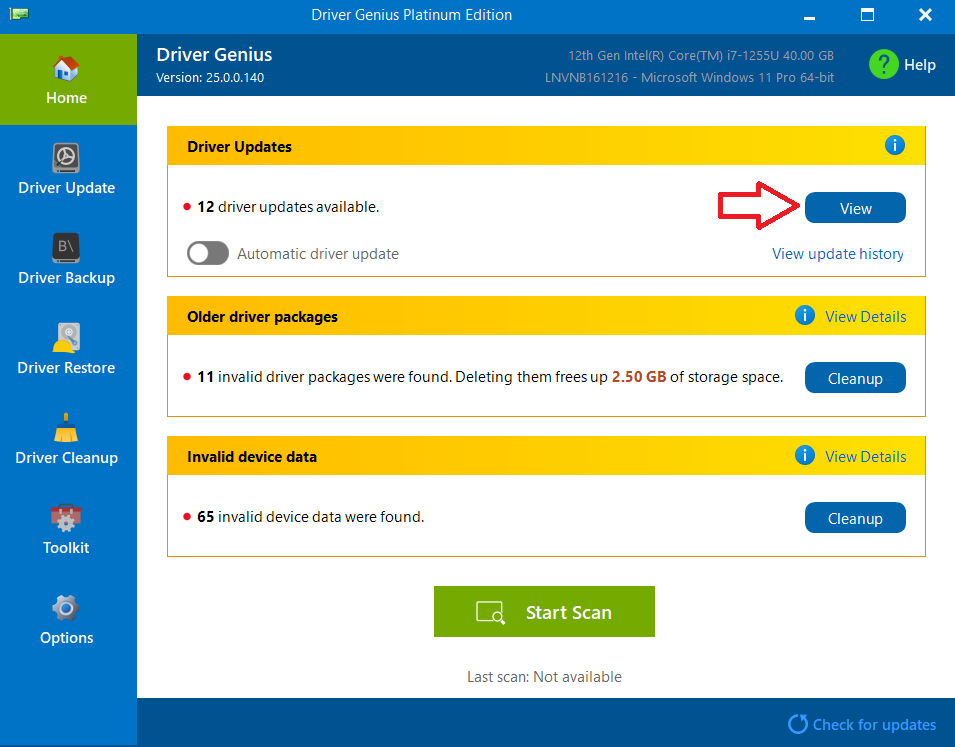
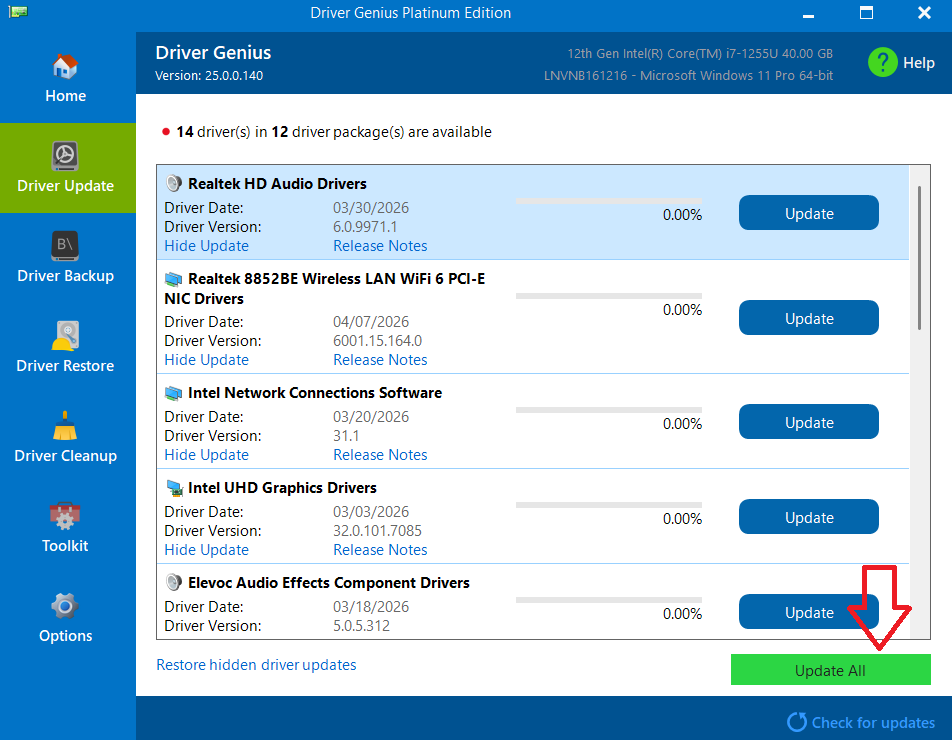
Then let the program update all of your drivers. You may experience your trackpad, mouse, keyboard, and monitors briefly cutting out during this process. If it asks you to install any apps, you can just click cancel or exit out of them, those are just apps for peripherals and aren't needed. It may also ask you to restart once done, if it does, restart your computer (make sure to save any work before restarting!).
Let the tech know if you have any issues after completing this.
Thanks!

