


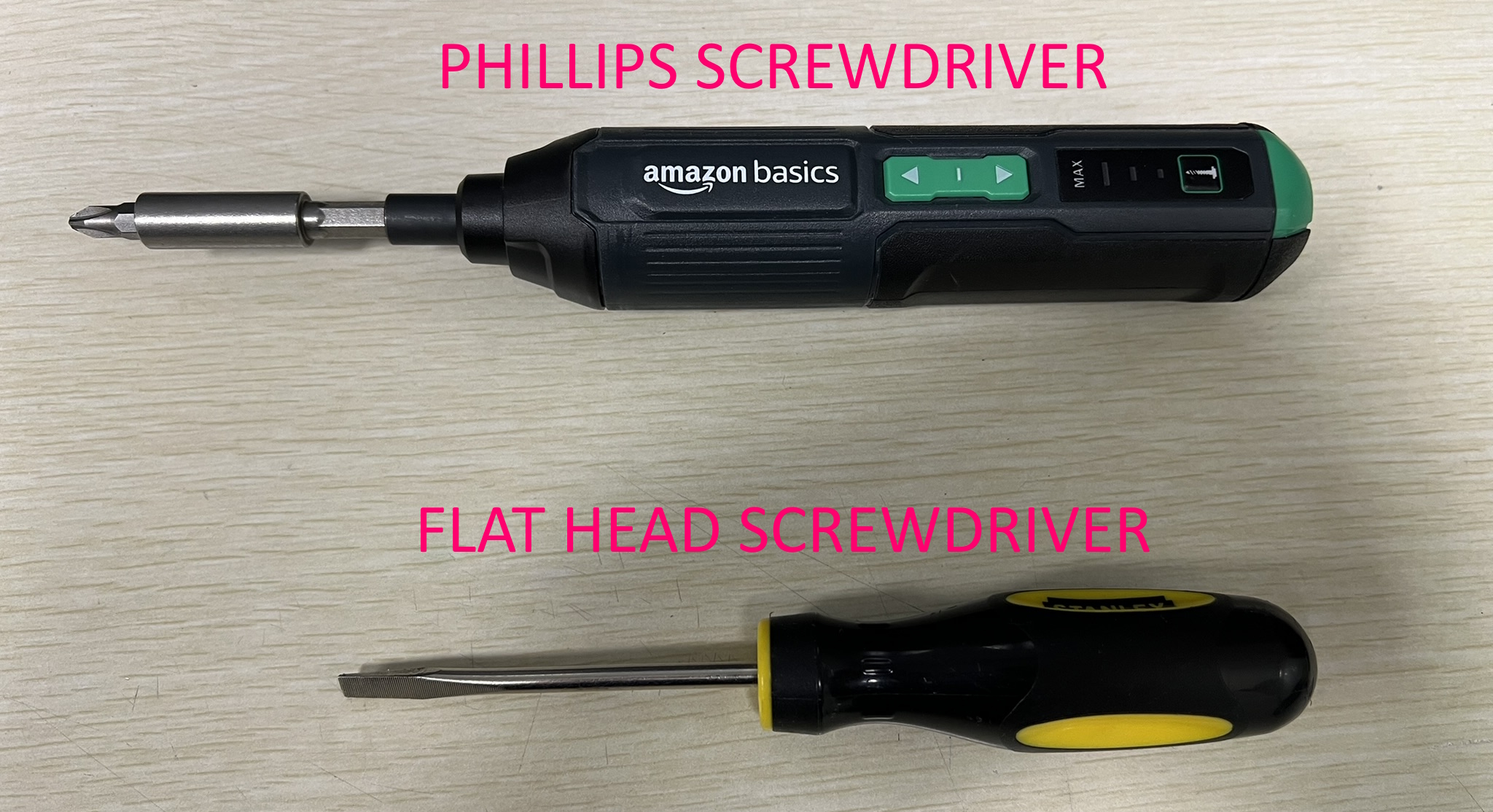
Tools required:
- Phillips Screwdriver
- Flathead Screwdriver
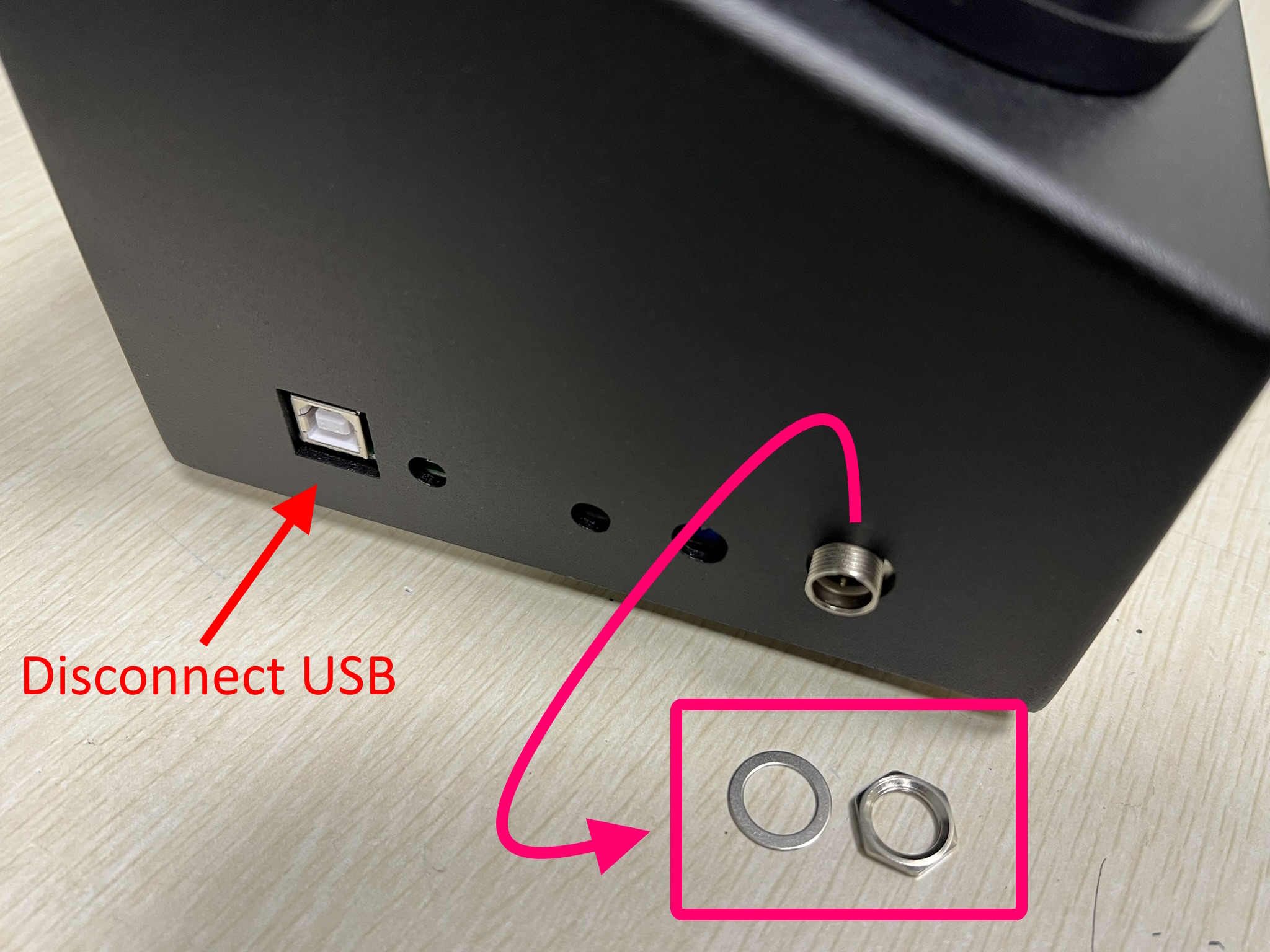
1. Remove impact mic stem nut and disconnect USB cable.
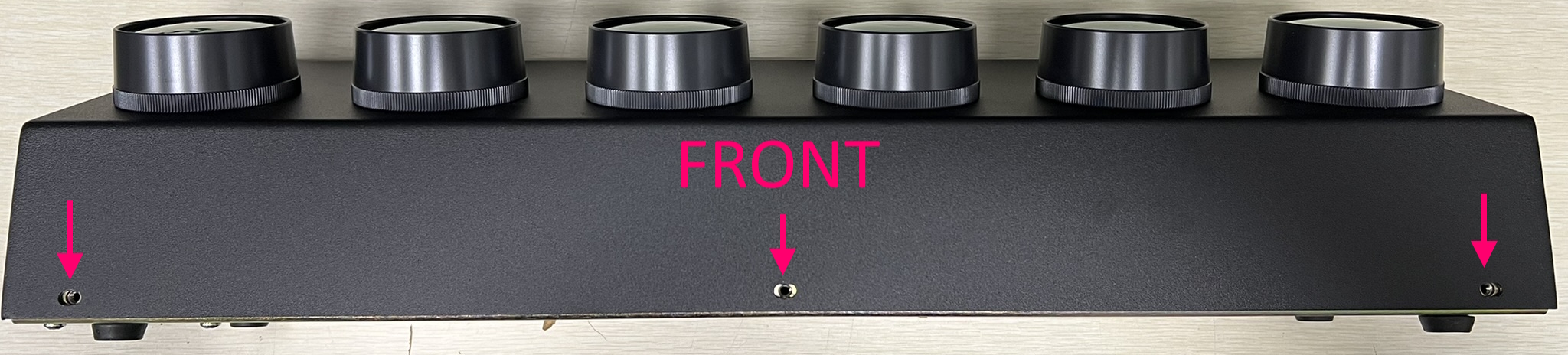
2. Remove 3 screws on the front of the button box.
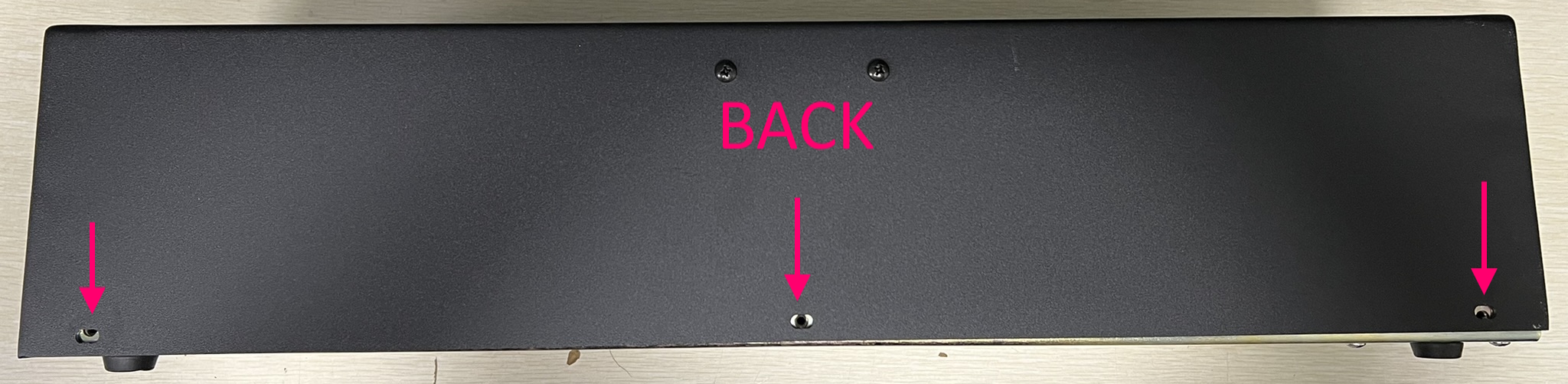
3. Remove 3 screws on the back of the button box.
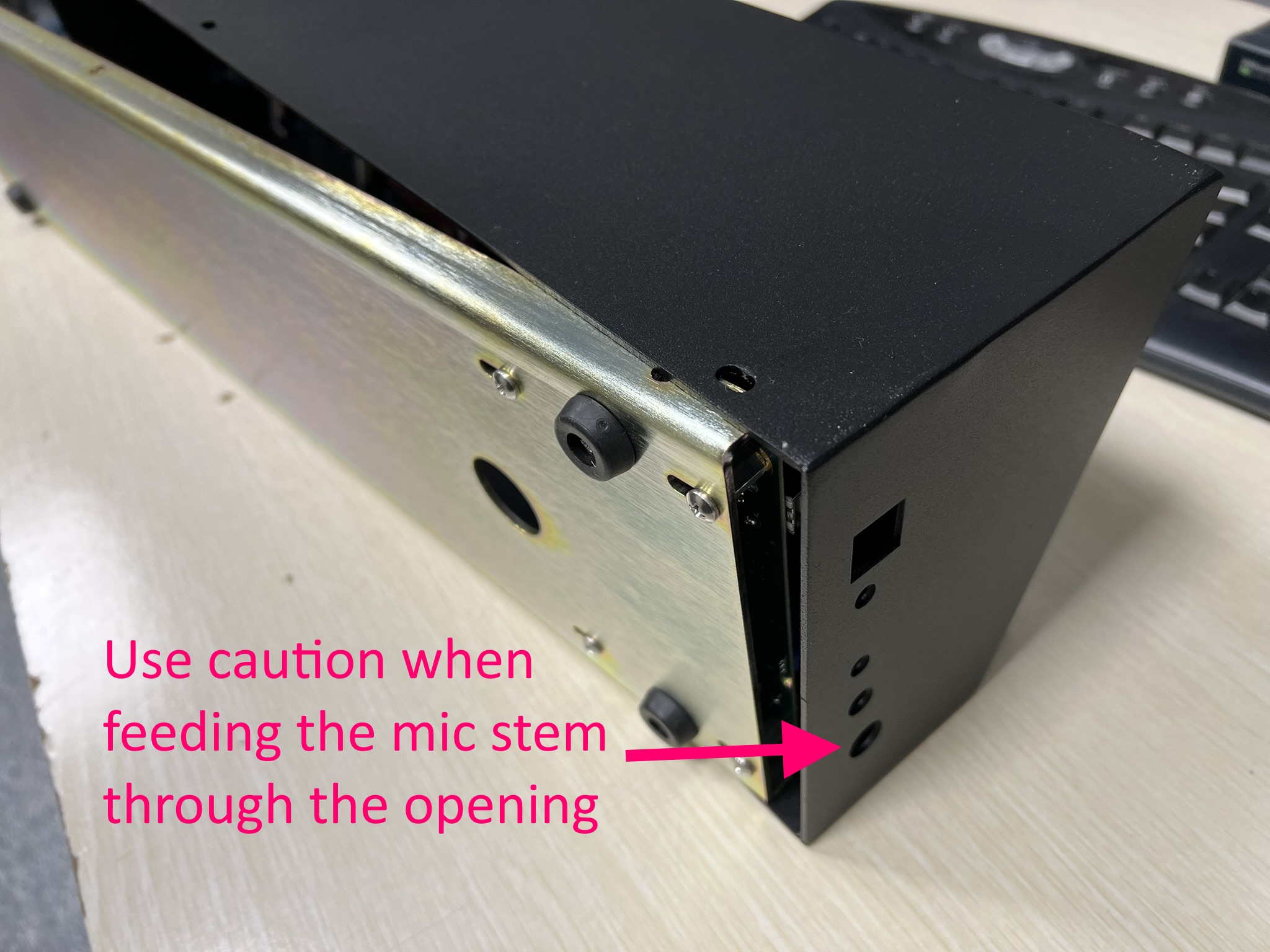
4. Rotate the button box so that it is laying on its FRONT side. Carefully slide the bottom plate away from the shell. Sliding a flat head screwdriver between the shell and the base can help you pry it open. Only attempt to pry it open from the side opposite of the mic stem.
NOTE: Use caution when removing the bottom plate as to not bend or damage the impact mic stem.
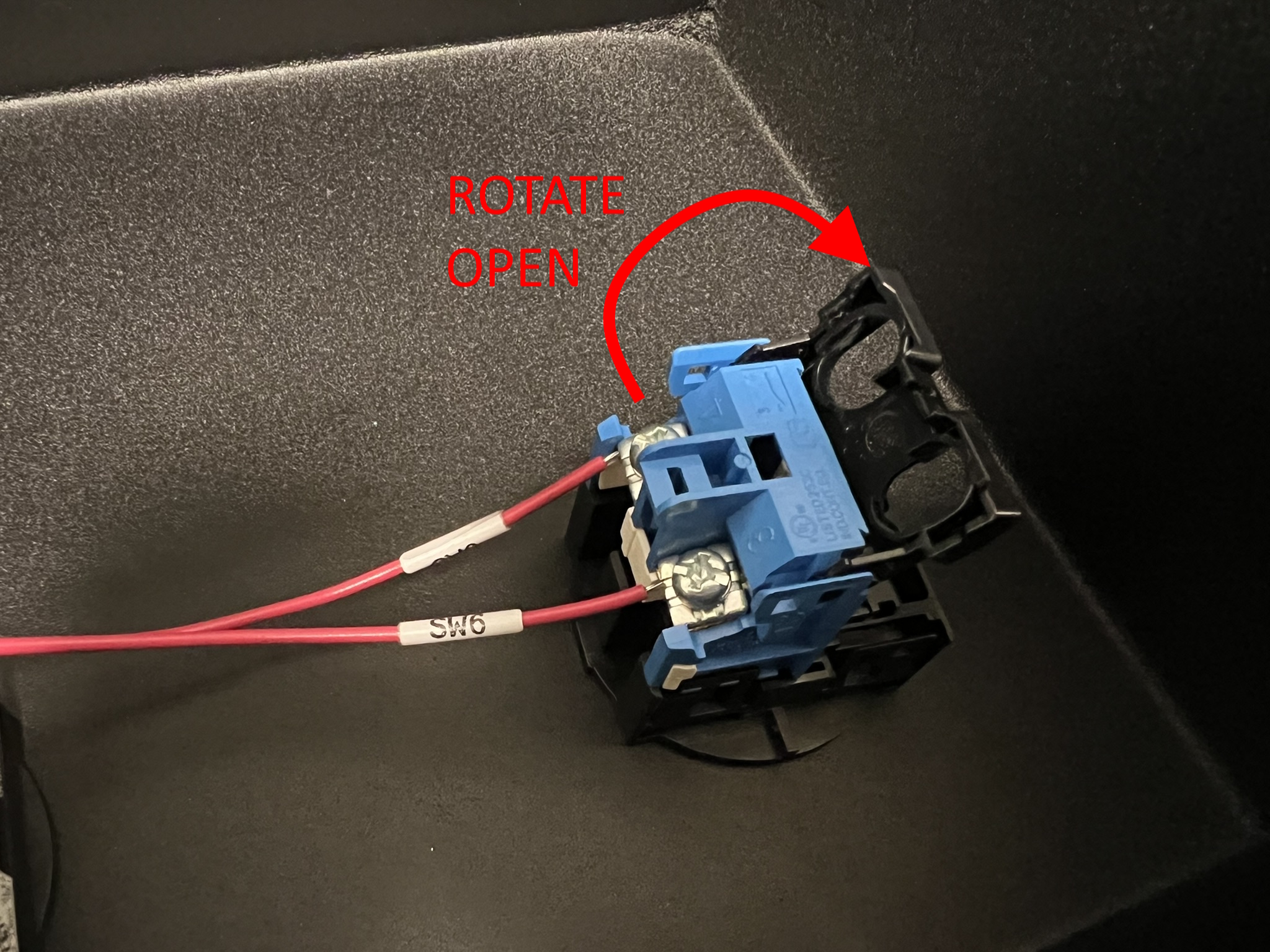
5. Rotate open the protective cover for each button. Use a phillips screwdriver to loosen the set screws and remove the wires. It is not necessary to completely remove the screws.
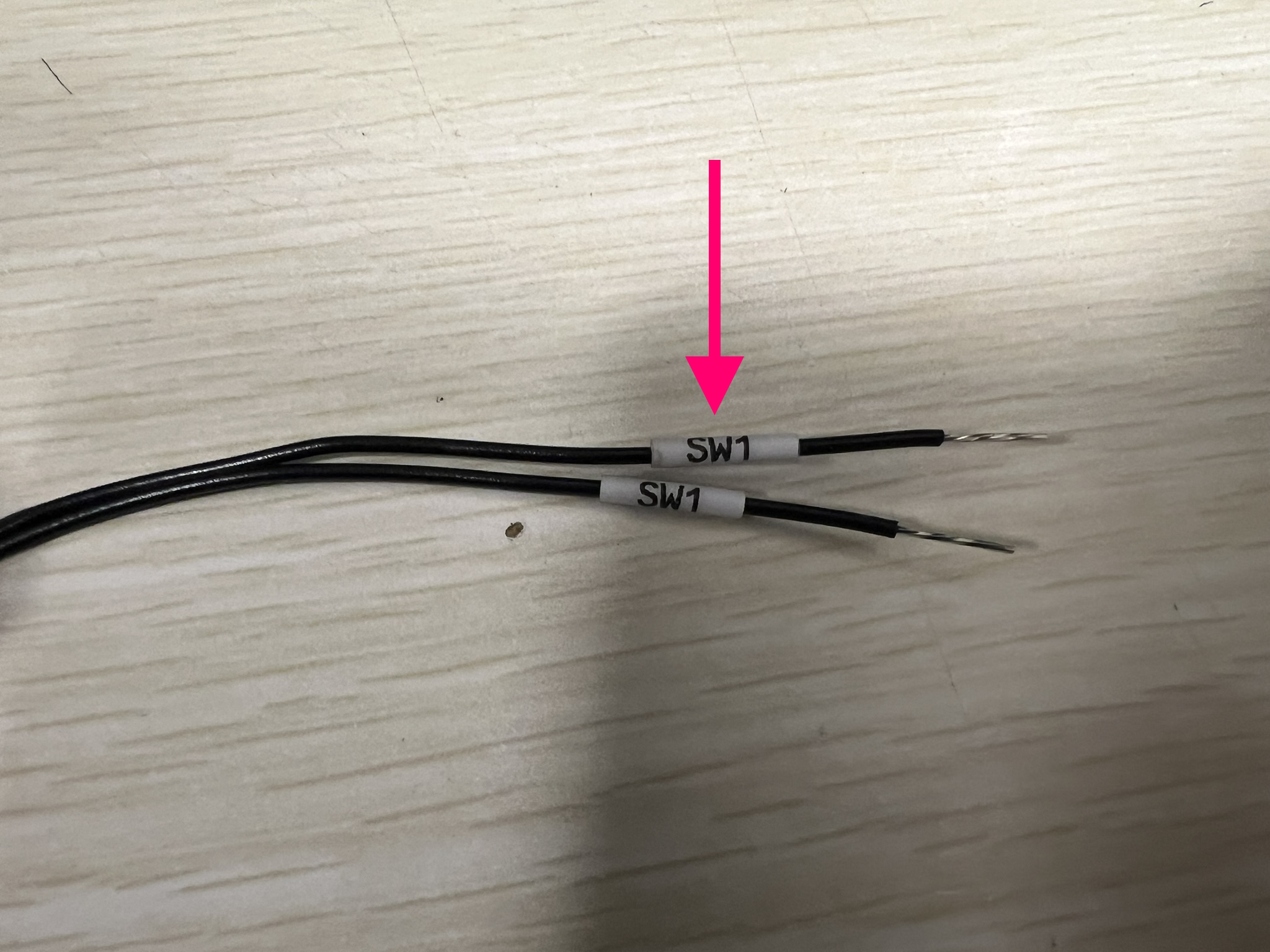
6. You will noticed that each pair of wires connected to each button is labeled SW1 through SW6.
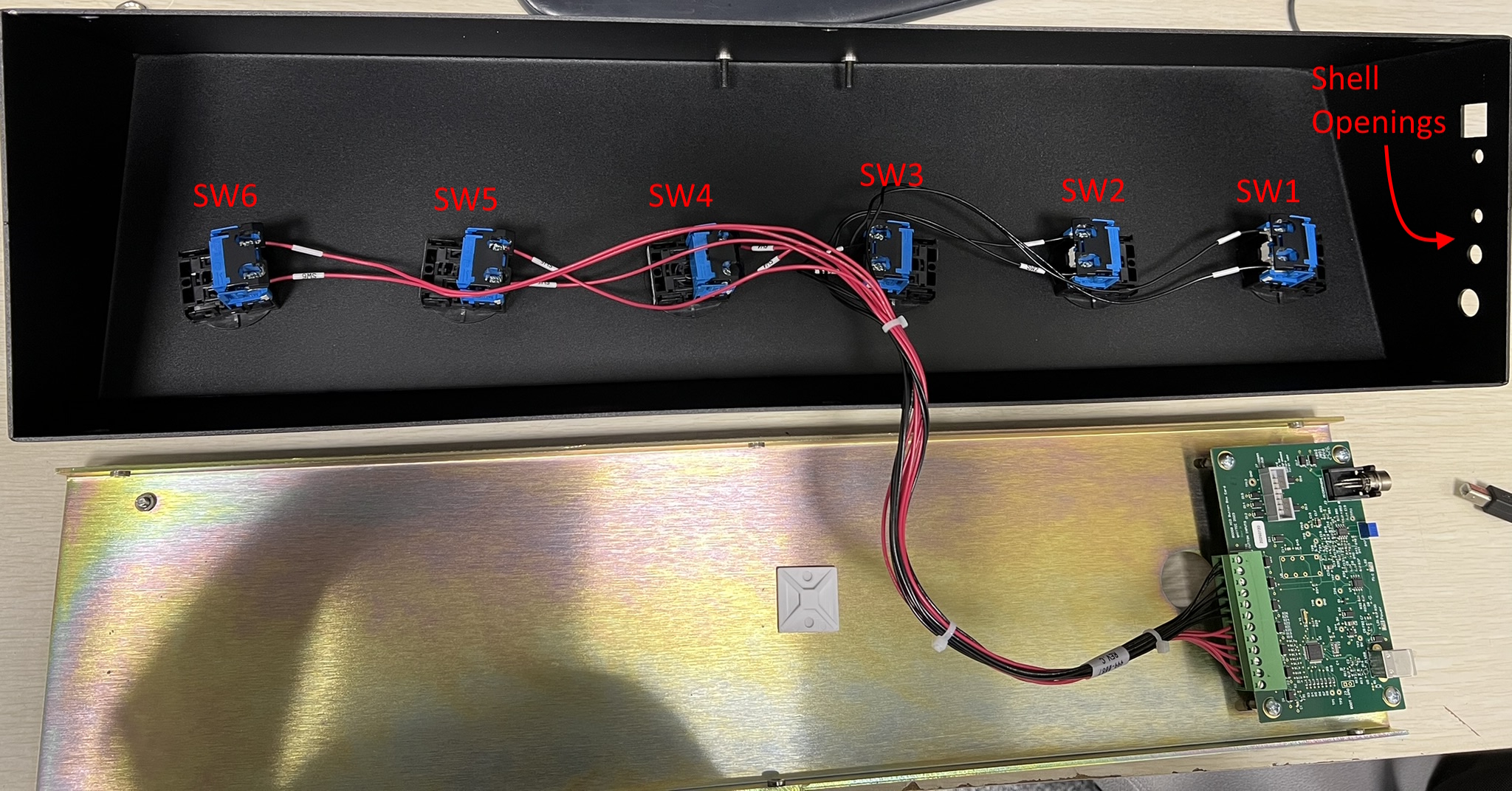
7. Below is an image of how a button box should be correctly wired. Notice that the SW1 wires are connected to the button closest to the shell openings.
8. You can now reassemble the button box by performing steps 5 through 1 in reverse order.

