

How to force close Tecswing
Last updated: Jun 02, 2026
56
views

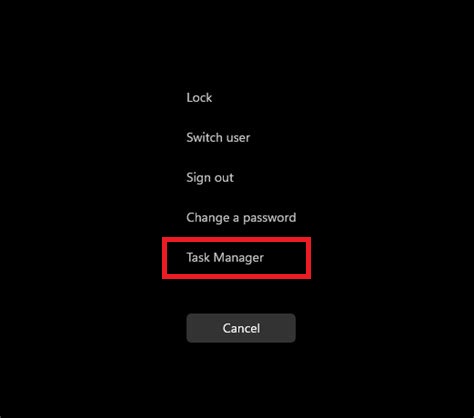
Hit Ctrl-Alt-Del on your keyboard to pull up the Windows lock menu and choose 'Task Manager'
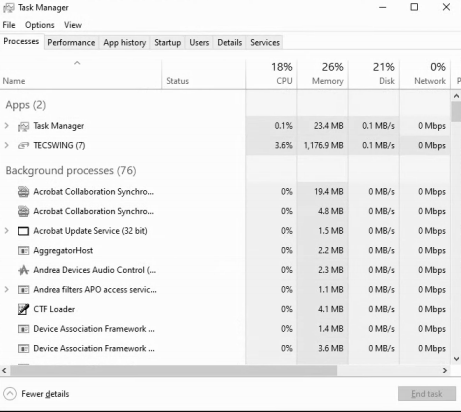
It will pull up a window that looks like this.
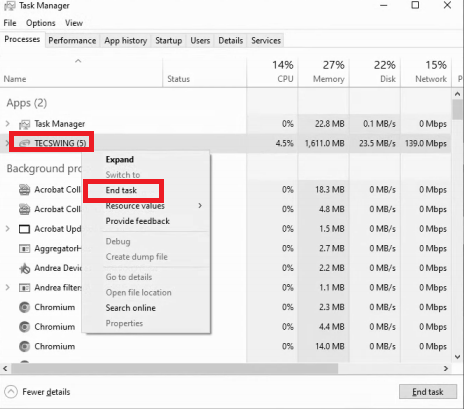
Find Tecswing (it will be under Apps or under Background processes) and right click it and choose 'End Task'
Then you can try opening TS again.

