

Outlook Error Something Went Wrong

Feb 06, 2026
273

This Article outlines how to resolve the following error when attempting to open Outlook on a PC:
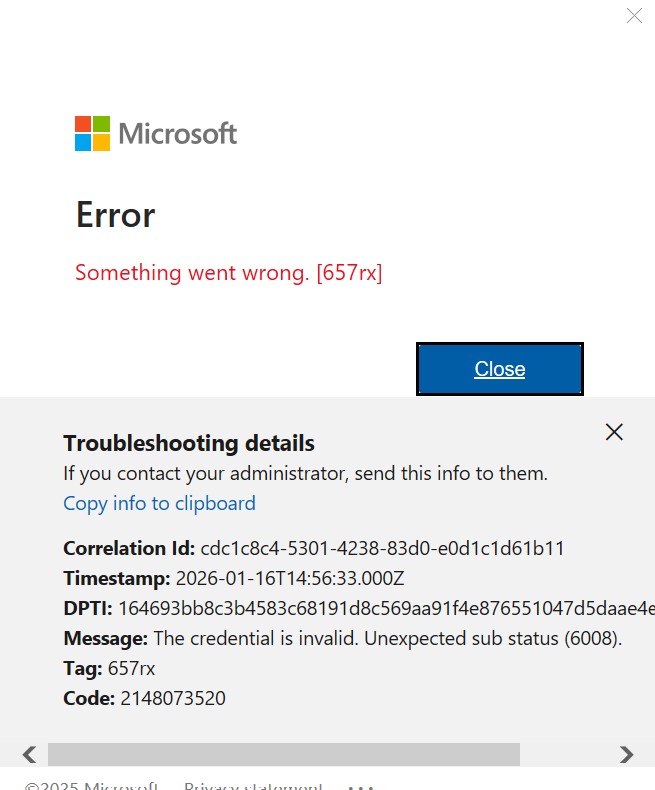
Please follow these steps to resolve:
1. Open File Explorer
2. Paste the following into the address bar: %LOCALAPPDATA%\Packages\
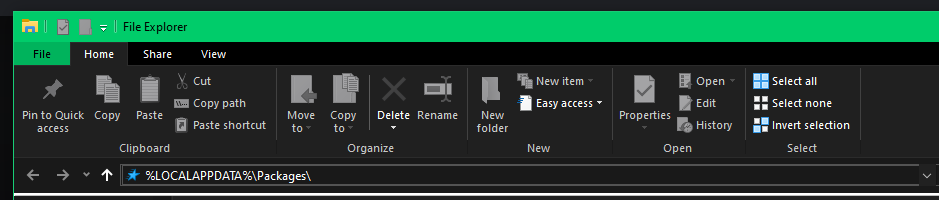
3. Hit Ctrl+F to search and search for Microsoft.AAD.BrokerPlugin_cw5n1h2txyewy

4. Delete that folder.
If Windows will not let you delete that folder please restart the computer and try again.

